|
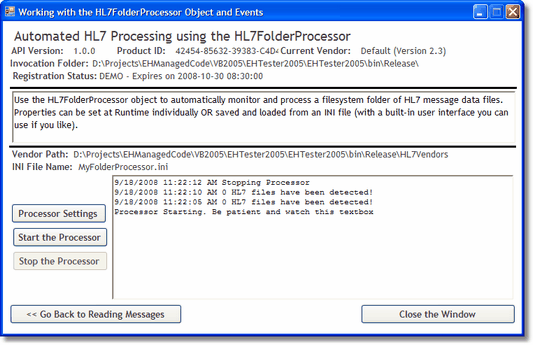
An entire application in one object! |
|
frmFolderProcessor.vb (c) 2007-2008 Hermetech International Ltd. |
||
|
|||||
|
Tying it all together and summing it up. To create an EasyHL7 solution with the code objects you:
frmFolderProcessor.vb
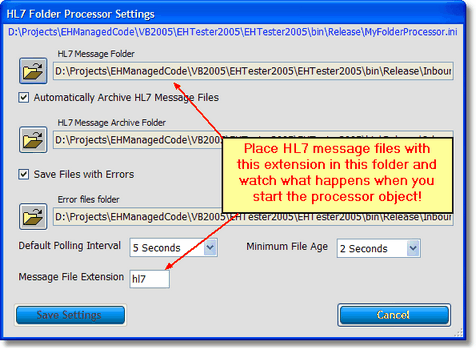
The built-in folder processor user interface
|