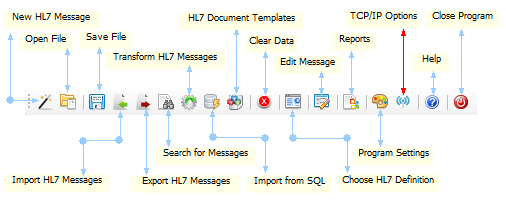
TCP/IP Options on the Main Toolbar
In the TCP/IP options window you will find direct links to download all of our popular HL7 TCP/IP sending and receiving software. This includes a link to our FREE UltraPort HL7 Router simulator for sending HL7 messages in a data file to a waiting HL7 TCP/IP Listener (either our UltraPort Listener or ANY HL7 compliant TCP/IP Listener software).
Why don't we just place the direct links here in this online help? The answer is simple. With the exception of the Router Simulator software all of the other software requires that you have created a HermeTech Account in order to activate it (even for a DEMO license).
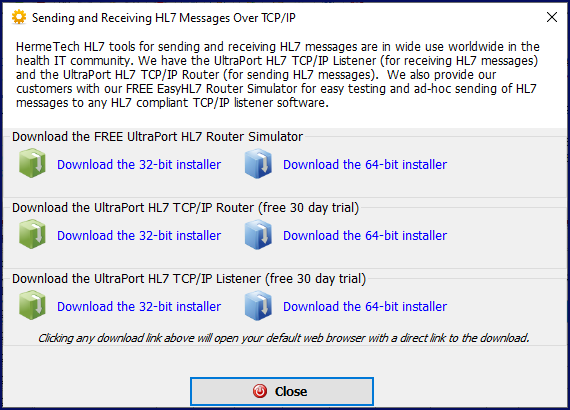
Download UltraPort HL7 TCP/IP Software